Help with Selected Clip Gain change

Hi,
I want to create a script that change the volume and pitch of the selected clip in the arrangement view.
I cannot find a way to point to the clip that I have highlighted (with my mouse) in the reactions, does something like this exist? I can only find the Selected Clip scene.
I’m also trying to change the volume with an endless encoder, so how should I go about that with the reaction? Do you have some guide I can follow? The Midi Knob sends 63-65 as midi CC for left and right.
I’m using the latest V3!
Thanks in advance!
Mauro.

Hi, I’d like to help out. I know my way around Reactions if custom stuff needs to be built, but if we can solve your problem through the other Mappings then I’ll try to check that out first.
I’m not the most knowledgeable when it comes to Ableton, could you explain to me how the volume and pitch of a clip can be changed? Is it different than using the Track’s mixer?
About the endless encoder
The Midi Knob sends 63-65 as midi CC for left and right.
What do you mean by this?
In the template you can insert an Endless Encoder, it’s the “endless” symbol.
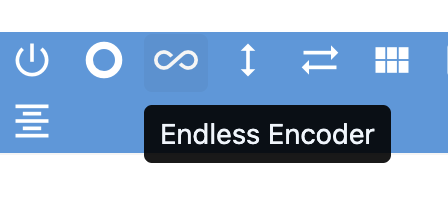
Then, in the settings of the Endless Encoder button that will appear on the template, you need to insert the channel and CC value that’s the same as the encoder on your MIDI Controller. Your encoder should only need one CC value to be operational.
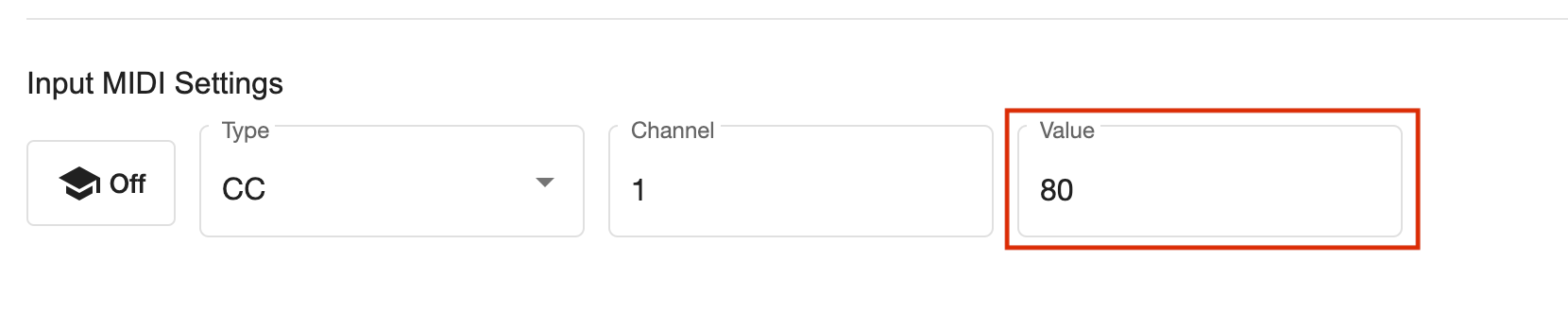
At the bottom of the settings page, you can define the range of your encoder, meaning what range of values it can send. 0 is the left most value, 127 is the right most value. Selecting a smaller range (for example 25 to 60) would make the encoder only be functional when it reaches thos values on the knob (in the example this would mean you’d only have a range of 60 – 25 = 35 values to work with).
My advice, in most cases you’ll want to set the range from 0 to 127, with the Control Type on Absolute.
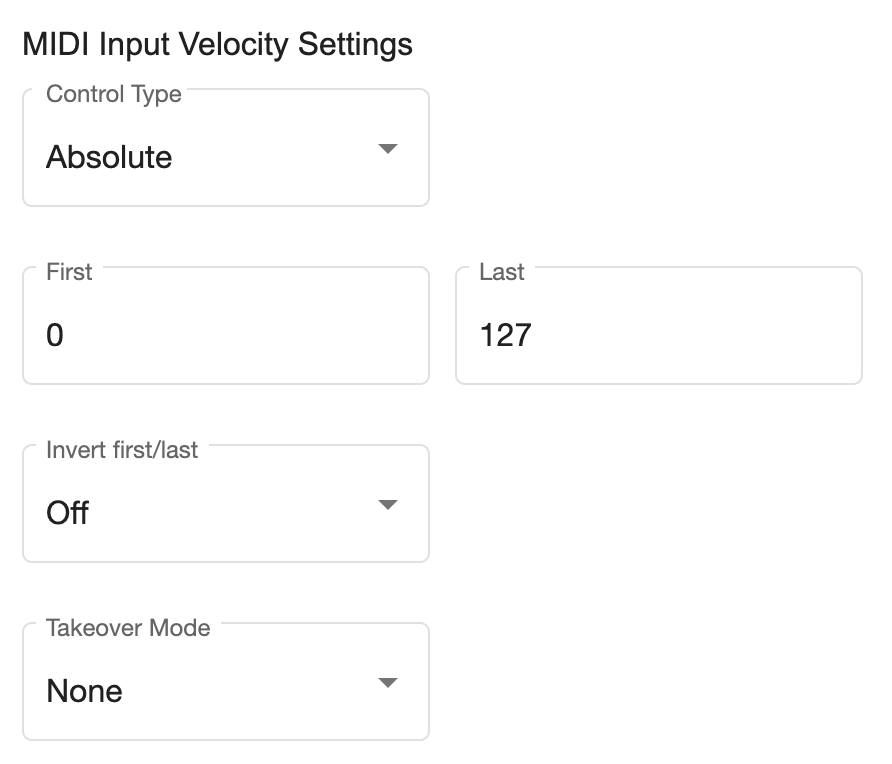
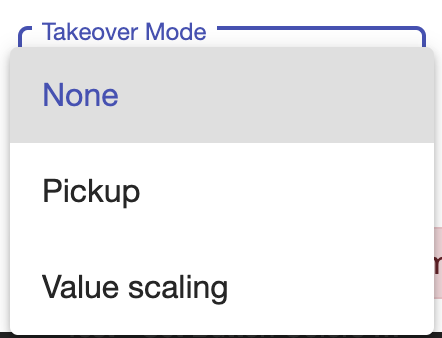
Takeover Mode tells Ableton how it should behave when the Endless Encoder is turned.
- When set to “None” the parameter you want to control (for instance a volume slider) will always be set relatively to the value it receives from the Encoder. For example, you volume is maxed out but your Endless Encoder is still at 0 when you start turning it, then the volume will drop down to the relative value on the Encoder. From then on it will follow the Encoder. But if you then would use the Encoder for something else, and return to that volume parameter later on, you’ll have the same situation.
- The “Pickup” option will make Ableton ignore the Encoder until its value reached the relative value of the parameter. In the same example, where volume is at max and the Endless Encoder still at 0, the volume won’t change until the Endless Encoder has reached its maximum value (127). From then on, the volume slider will follow the Encoder. If the volume would have been half way, then the Encoder would have to be turned to the halfway point to “pick up” the volume slider with.
- The last option “value scaling” I’m not sure about, I’ll need to check it out again.
Sign up
User registration is currently not allowed.