Ableton LiveCtrl

Hi, this is my attempt for an Ableton Live controller as “extension or parameter display” for the mighty MIDI Fighter Twister. But it also works standalone as Open Stage Control touchscreen controller.

The buttons in “MFT Ctrl” let’s you select, which parameters (volume and mute, device parameters 1-16 or fx send levels) should also be controlled by the MFT.
There seems a limitation in CSS that it doesn’t provide the “blue hand” functionality. So you also need to select another controller that provides the “blue hand”. In my case this is a Novation Launchpad that I use anyway to play Ableton Live clips or instruments. (this functionality has been added to the scripts, see comment from John)
In the zip you find all the necessary files for the MIDI Fighter Twister, Open Stage Control and Control Surface Studio/Ableton remote script:
https://openstagecontrol.discourse.group/t/ableton-livectrl/3725?u=wombat
I have no programming skills, it’s not finished and I wouldn’t promote it as “live” ready ! But I also don’t find the time to further work on it at the moment. So I thought I load it up the way it is – maybe you can use it, improve it or take some ideas out of it for your own templates.
Please consider sharing your ideas and improvements for the controller community.
Regards
Hello, next version of LiveCtrl available.
Changes:
- button to switch between fx sends A-B or C-D
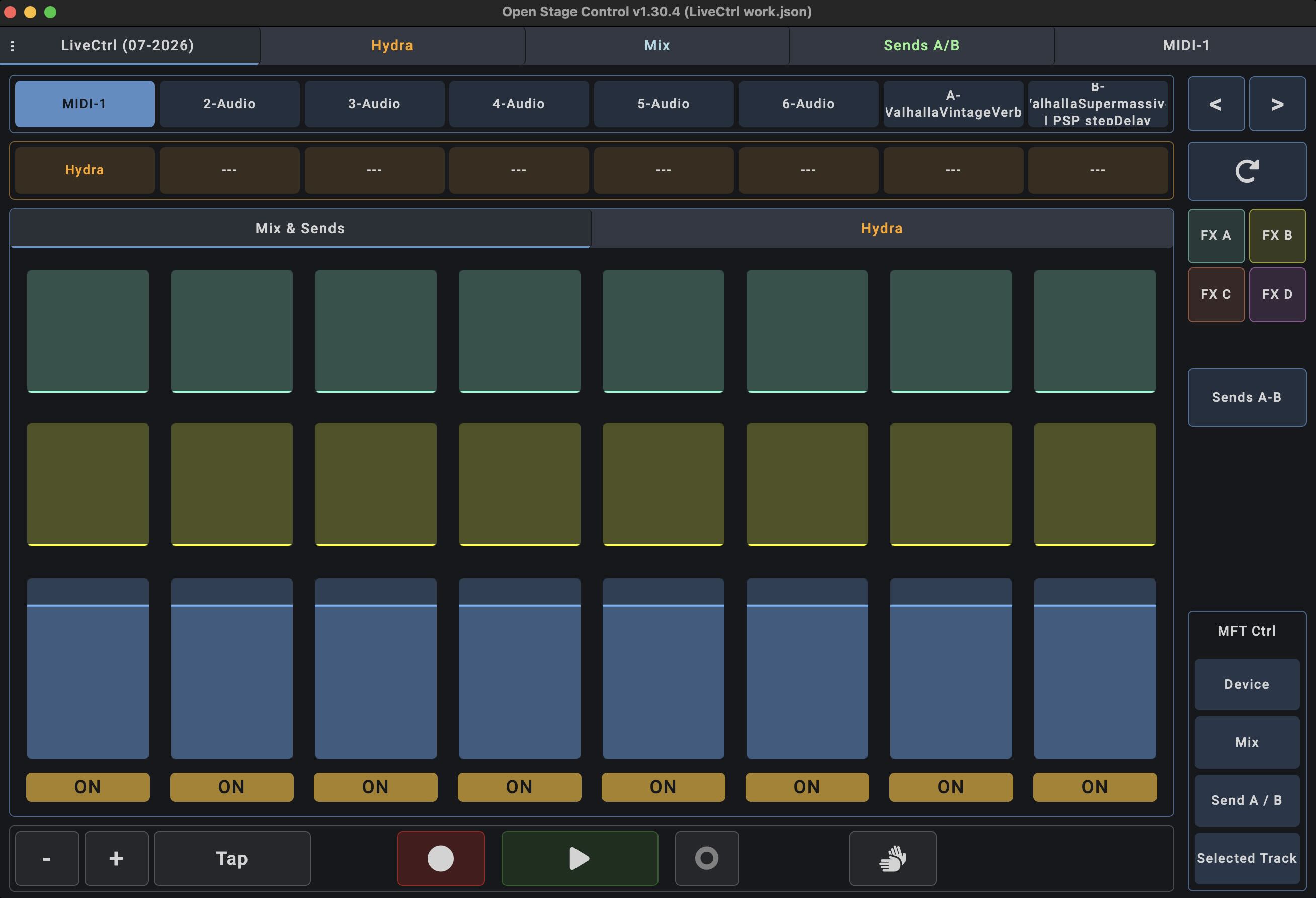
- took another attempt to combine with MIDI Fighter Twister:
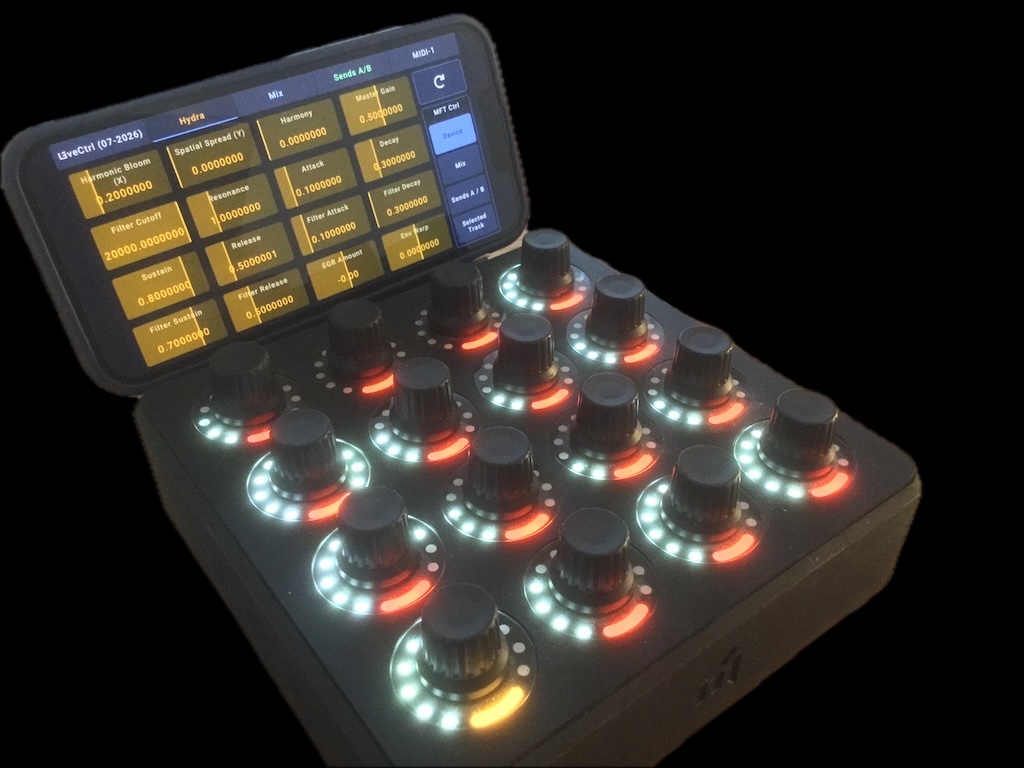
-
- bank 1: selected device, control up to 64 parameters, switch banks with buttons 13-16
- bank 2: 8-track mixer (volume, mute), use side buttons to move session box
- bank 3: control fx sends A-B for 8-tracks, use side buttons to move session box
- bank 4: selected track, knob 13 = select track, knob 14 = select device
Please share your improvements and creations and support John (Remotify) and Jean-Emmanuel (Open Stage Control).
Regards, mj
Update 18.07.2026:
- changed MIDI Fighter Twister controls for device parameters to MIDI control type absolute (there are some Ableton plugins like “Arpeggiator” where some parameters seem not to work with relative MIDI control ?)
- hopefully squashed some bugs (recall macro variations etc.)
- a lot of housekeeping in the Open Stage Control template
Update 25.07.2026:
- removed some Debug messages in parameter bank 2-4
Sign up
User registration is currently not allowed.